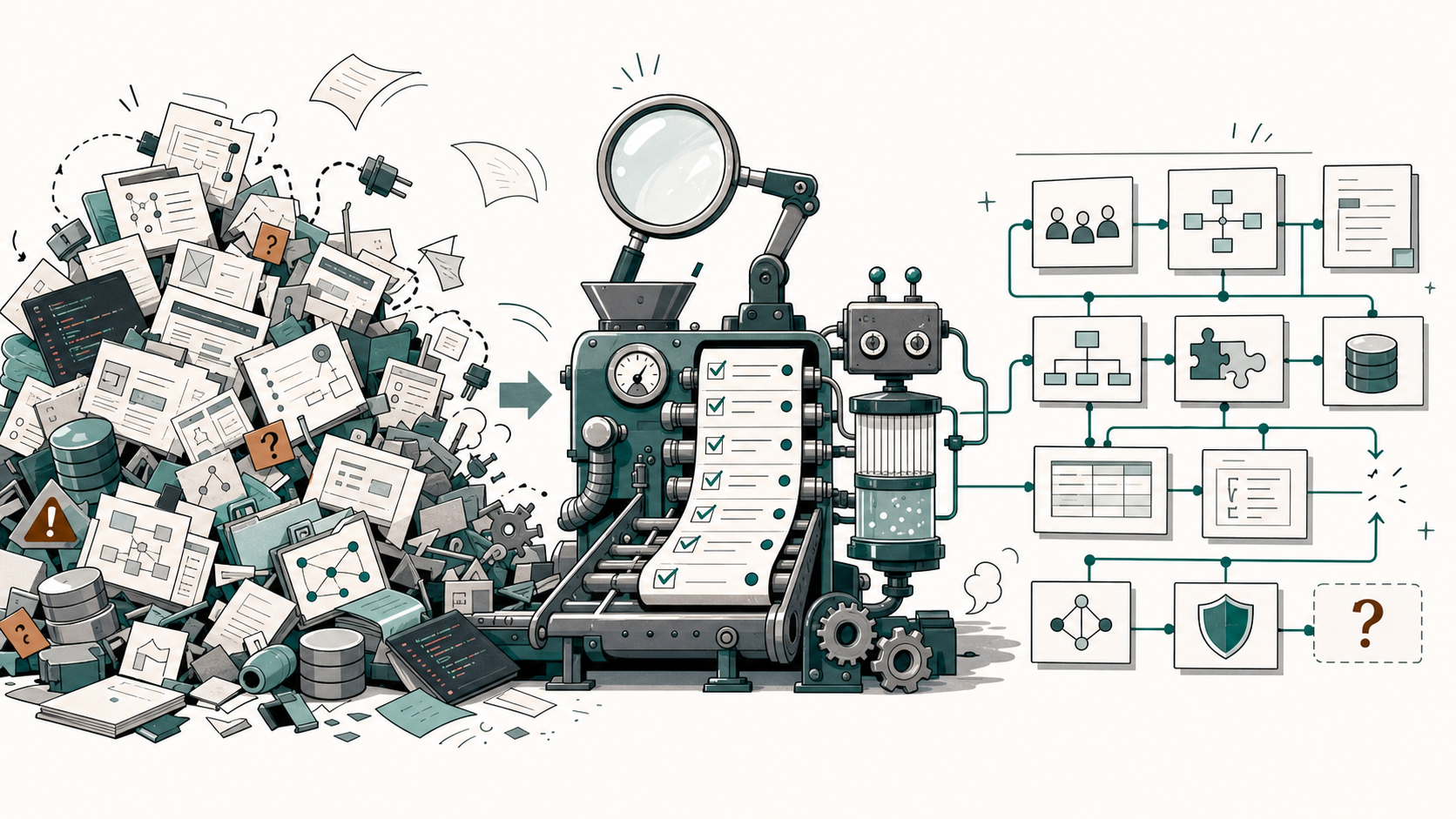
You have inherited a legacy repository. Nobody is dead, officially. But the README is optimistic, the deployment script looks like a museum exhibit, and the backlog assumes somebody still knows how the system works.
Before you rewrite, refactor, or migrate, run discovery.
This is not another explanation of why discovery matters. That case is made in The Bus Factor Is Zero: Recovering Product Knowledge from a Legacy Repository.
This is the evidence bag.
Legacy Repository Discovery is the practice of treating a codebase as evidence and reconstructing its product model — roles, flows, integrations, constraints, risks, and unknowns — before any rewrite or migration. It is the discovery step that should precede an incremental modernization approach such as the strangler fig pattern.
TL;DR — Work top to bottom. For every finding, record: claim → evidence (repo path) → confidence (High / Medium / Low) → unknown or next evidence. Never turn a checked box into a confident claim without evidence. Finish with a single Review artifact.
Use it as an operational checklist when the repository is the best remaining source of product truth. A public, simplified Repository Discovery checklist and methodology is available on GitHub; client work uses a more detailed internal process.
How to use this checklist
Work top to bottom. Do not turn a checked box into a confident claim unless the evidence supports it.
For each finding, record what you think you found, what proves it, how confident you are, and what would resolve the remaining uncertainty.
Finding: [One product claim or observation]
Evidence: [Repository path plus what that path proves]
Confidence: [High, Medium, or Low]
Unknown or next evidence: [What still needs checking, or "None found"]
Use the confidence labels consistently:
| Confidence | Use when |
|---|---|
| High | Multiple direct evidence sources agree. |
| Medium | Evidence supports the claim, but important details remain incomplete. |
| Low | Evidence is weak, stale, ambiguous, contradicted, or inferred statically. |
Rule: if you cannot cite evidence, do not write it as fact.
1. Inventory the evidence
Start with observations only. Inventory is the evidence log, not the product story.
Check:
- Repository shape and major applications
- Languages, frameworks, package files, and build files
- Application entry points
- README files and existing documentation
- Tests, fixtures, seed data, schemas, and migrations
- Configuration and environment examples
- Assets, UI copy, translations, and localization files
- Deployment, Docker, infrastructure, and script surfaces
- Mobile, web, backend, worker, CLI, and service boundaries
- Generated, vendored, compiled, or minified areas to exclude as noise
Good inventory note:
- `mobile/google-services.json` is present.Bad inventory note:
- The mobile app uses Firebase Analytics.The first statement records evidence. The second makes a runtime claim. That claim may be true, but it belongs later, after the runtime behavior or configuration purpose has been checked.
Record inventory findings in this format:
Inventory:

- Scanned: [Paths or repository areas inspected]
- Excluded as noise: [Generated, vendored, compiled, or irrelevant areas]
- Product conclusions deferred: [Claims that require more evidence before they become product facts]
2. Interrogate the README
Read old documentation early. Trust it late.
Check:
- README claims compared against routes, screens, tests, and configuration
- Setup instructions compared against current package and deployment files
- Diagrams checked against implementation and infrastructure
- Comments and ADRs treated as evidence, not truth
- Contradictions recorded instead of smoothed over
Record documentation checks in this format:
Documentation check:

- Claim: [What the README, docs, comments, or ADR says]
- Supporting evidence: [Implementation, test, config, UI, or runtime evidence that agrees]
- Contradicting evidence: [Evidence that disagrees, or "None found"]
- Confidence: [High, Medium, or Low]
Treat old documentation like a witness statement. Useful, sometimes honest, and still in need of cross-examination.
3. Recover roles
Roles are not personas. They are actors with permissions, responsibilities, or system behavior.
Check:
- Auth and authorization logic
- Permission checks and route guards
- Admin panels and navigation menus
- Seed users, fixtures, and test accounts
- Onboarding copy, report filters, audit logs, and translations
- External systems that act like product actors
Rule: roles are permissions and responsibilities, not imaginary LinkedIn profiles.
Record each role in this format:
Role: [Actor name, such as Administrator, Customer, Operator, External System]
Evidence: [Where the role appears and what that evidence proves]
Capabilities: [What this role appears able to do]
Confidence: [High, Medium, or Low]
Unknowns: [Permission or responsibility boundaries that remain unclear]
Example:
| Role | Evidence | Capabilities | Confidence | Unknowns |
|---|---|---|---|---|
| Administrator | Admin routes, permission checks, and seed user records reference admin-style access. | Manage settings, review records, export data. | Medium | Exact permission boundaries need runtime or stakeholder validation. |
4. Translate the local dialect
Build a glossary only for product terms that help a reader understand behavior.
Check:
- Domain objects that appear in UI, data, reports, or workflows
- Workflow states and lifecycle names
- Operational, regulatory, billing, or support vocabulary
- Product-specific labels and aliases
- Terms used differently across modules or eras
Record each glossary term in this format:
Term: [Business or product term]
Aliases: [Alternate names found in the repository, or "None found"]
Definition: [Evidence-backed meaning]
Where it appears: [UI, schema, tests, docs, reports, translations, or other paths]
Confidence: [High, Medium, or Low]
Unknowns: [Ambiguity or conflicting usage]
5. Group behavior into capabilities
Capabilities are what the product lets a user or another system accomplish. They are not folder names.
Check:
- Navigation groups and page titles
- Route clusters and controller groups
- Forms, reports, imports, exports, notifications, and scheduled jobs
- Test suite names and scenario names
- Background jobs that complete user-visible work
- Product concepts that span multiple implementation modules
Record each capability in this format:
Capability: [What the product enables someone to do]
Business purpose: [Why this capability matters to users or operations]
Roles: [Roles involved]
Evidence: [Screens, routes, tests, jobs, reports, or config that support the capability]
Confidence: [High, Medium, or Low]
Related flows: [Known flows, or "Not reconstructed yet"]
Rule: folders are not a product model. They are where the product model left fingerprints.
6. Reconstruct important flows
Flows are ordered journeys toward a business goal.
Check:
- Routes, screens, forms, and success or error messages
- State transitions and lifecycle fields
- Integration tests and end-to-end tests
- Emails, notifications, imports, exports, and scheduled jobs
- Preconditions and decision points
- Inferred steps marked separately from confirmed steps
Record each flow in this format:
Flow: [Flow name]
Business goal: [Outcome the user or system is trying to achieve]
Roles: [Participating roles]
Preconditions: [Required state before the flow starts, or "Unknown"]
Confirmed steps: [Steps directly supported by repository evidence]
Inferred steps: [Steps that seem likely but are not proven]
Decision points: [Branches, approvals, failures, retries, or "None found"]
Evidence: [Paths and what each proves]
Confidence: [High, Medium, or Low]
Unknowns: [Missing triggers, runtime behavior, permissions, or edge cases]
7. Do not confuse a dependency with a living integration
Integration discovery is where many legacy audits accidentally convict the wrong suspect.
Check:
-
.envexamples and credential-like variable names - JSON, YAML, XML, properties, package, and build files
- SDK imports, API clients, webhook handlers, and retry logic
- Hostnames, URLs, callback paths, issuers, audiences, and DSNs
- Docker, Compose, Kubernetes, Helm, Terraform, and deployment files
- Mobile provider files such as Firebase or Google services configuration
- SMTP, push notification, analytics, crash reporting, payment, storage, OAuth, and monitoring config
Classify each signal:
| Signal type | Meaning |
|---|---|
| Runtime integration | Code or configuration shows active data or event exchange with an external system. |
| Configured boundary | Provider config, credentials, SDK metadata, or hostnames exist, but runtime usage is not proven. |
| Dependency-only signal | A package names a provider, but no behavior is confirmed. |
| User-facing external link | UI opens support, legal, documentation, or help content. |
| Development-only reference | Docs, examples, comments, licenses, or schema URLs. |
| Generated noise | Build output, vendored code, lockfile transitive metadata, or minified assets. |
Runtime integrations and configured boundaries deserve explicit treatment. Development-only references and generated noise usually do not.
Rule: a package dependency is a suspect, not a conviction.
Record each integration signal in this format:
Provider or boundary: [Concrete provider, external system, device platform, or operational boundary]
Signal type: [Runtime integration, configured boundary, dependency-only signal, user-facing link, development-only reference, or generated noise]
Product behavior: [What the product appears to exchange or delegate, or "Runtime behavior not proven"]
Evidence: [Config, SDK import, API client, webhook, hostname, deployment setting, or docs]
Confidence: [High, Medium, or Low]
Unknown: [What would prove runtime use, data exchanged, ownership, or product impact]
8. Capture constraints
Constraints are rules that shape product behavior.
Check:
- Validation rules and hard-coded limits
- Feature flags and permission checks
- Scheduling, retention, billing, quota, and import/export rules
- Localization coverage and fallback behavior
- Platform, app-store, mobile OS, deployment, and environment assumptions
Record each constraint in this format:
Constraint: [Rule, limit, platform assumption, permission, schedule, or validation]
Product impact: [How this changes user behavior, operations, or migration risk]
Affected flows: [Flows or capabilities shaped by the constraint]
Evidence: [Where the rule is enforced or configured]
Confidence: [High, Medium, or Low]
9. Record decisions, risks, and unknowns
Do not hide the uncomfortable parts in prose.
Check:
- Observable decisions separated from invented rationale
- Risks backed by evidence, not taste
- Unknowns written as actionable questions
- Credential-like findings cited by field or file path without copying secrets
- Runtime claims downgraded when the app was not executed
Record each risk in this format:
Risk: [Evidence-backed risk statement]
Impact: [Product, operational, delivery, compliance, privacy, or migration impact]
Evidence: [Repository evidence that supports the risk]
Confidence: [High, Medium, or Low]
Next evidence: [Runtime check, stakeholder question, production log, test, or code area that would reduce uncertainty]
Record each unknown in this format:
Question: [Specific unanswered question]
Why it matters: [Decision, risk, flow, integration, or role affected by the answer]
Current evidence: [What was checked and what it did or did not prove]
Evidence that would resolve it: [Runtime observation, stakeholder answer, logs, tests, docs, or code path]
Related pages: [Roles, flows, features, integrations, constraints, or risks connected to this unknown]
Rule: unknowns are not embarrassing. False certainty is.
10. Close the case file
Do not stop when the pages look complete. Produce a final review artifact.
Use this review format:
# Repository Discovery Review

## Coverage

- Scanned:
- Excluded as noise:
- Not scanned:

## Product model

- Product frame:
- Primary roles:
- Primary capabilities:
- Primary flows:
- Major integrations and boundaries:
- Important constraints:

## Evidence quality

- High-confidence claims:
- Medium-confidence claims:
- Low-confidence claims:
- Contradictions found:

## Risks

- Evidence-backed risks:
- Risks requiring runtime validation:

## Unknowns

- Open questions:
- Evidence needed to resolve them:
- Suggested owner or next step:

## Validation

- Links checked:
- Duplicate concepts merged:
- Docs compared with implementation:
- Runtime behavior observed:
- Build/test status:
That review is not bureaucracy. It is how the next person knows whether they are reading a recovered product model or a polished guess.
Example review entry
## Unknowns

- Question: Does the mobile app use the configured Firebase project at runtime?
- Why it matters: The answer affects privacy, analytics, push notification, and release configuration review.
- Current evidence: `mobile/google-services.json` is present. No runtime Firebase initialization was confirmed in the inspected startup path.
- Evidence needed: Runtime startup logs, mobile initialization code review, or a device-level smoke test.
- Related: Mobile app, analytics boundary, push notification boundary.
Quick reference
| What to recover | Where to look |
|---|---|
| Roles | Auth, permissions, admin screens, seed users |
| Flows | Routes, forms, tests, emails, jobs |
| Integrations | Env vars, SDKs, configs, hostnames, deployment |
| Constraints | Validation, feature flags, platform config |
| Risks | Contradictions, stale docs, untested critical paths |
| Unknowns | Missing evidence, ambiguous naming, runtime-only behavior |
The output should help people make decisions
A good Repository Discovery output lets a Product Manager understand the product without reading source code. It lets a Business Analyst see roles, capabilities, and flows. It lets an architect see boundaries, constraints, decisions, and risks. It lets a new developer orient before diving into implementation.
Most importantly, it prevents modernization from starting with false certainty.
If the checklist exposes more unknowns than answers, that is useful signal. Use the public Repository Discovery snapshot as a starting point, then bring the recovered product model into Code-to-Spec modernization when the team is ready to lock behavior with tests. Book a 20-minute call.
FAQ
What artifact should legacy repository discovery produce? At minimum, produce an inventory, a product model summary, role and capability notes, important flows, integration and constraint findings, risks, unknowns, and a final review artifact that states what was checked and what remains unresolved.
How should I score confidence during repository discovery? Use High when multiple direct evidence sources agree, Medium when the claim is supported but incomplete, and Low when evidence is weak, ambiguous, stale, contradicted, or inferred without runtime validation.
What counts as evidence in a legacy repository? Evidence can come from observed behavior, tests, source code, configuration, build files, schemas, migrations, seed data, UI copy, translations, assets, deployment files, scripts, README files, comments, and existing documentation.
How should unknowns be tracked? Write each unknown as an actionable question. Include why it matters, current evidence, what evidence would resolve it, and which roles, flows, features, integrations, constraints, or risks it affects.