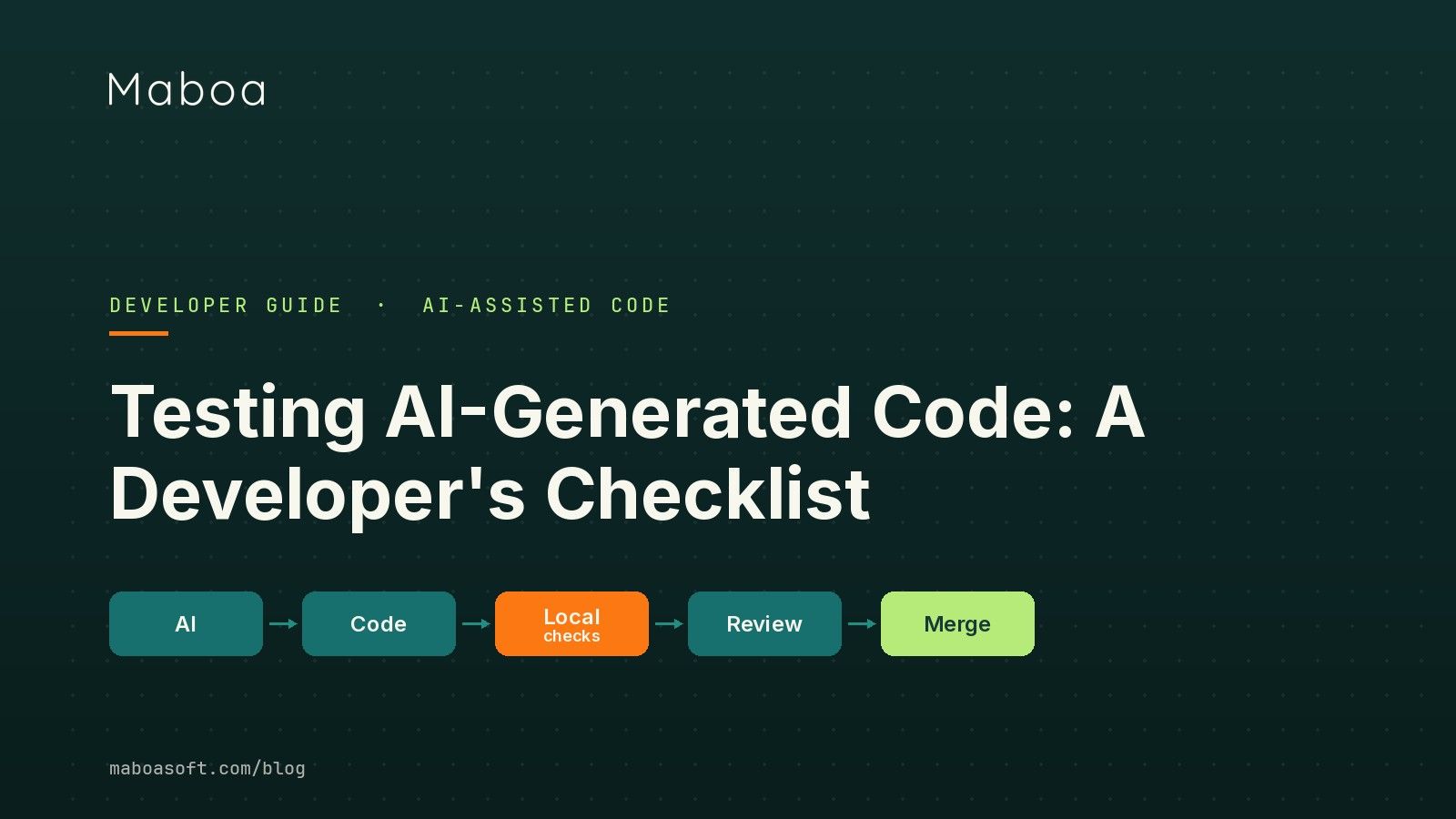
You let an assistant — GitHub Copilot, Cursor, Claude Code, OpenAI Codex — generate a Flutter or .NET MAUI feature, and it builds. This post answers one narrow, practical question: what should you check before you press Merge?
Because the moment you open the pull request, that code is yours, not the model’s — and on mobile, a wrong assumption rarely stays on one screen.
The “looks right” trap
The hardest AI bugs are not the obviously broken ones. They are the plausible ones: code that reads professionally, passes a quick demo, and quietly does the wrong thing.
A randomized controlled trial by METR in 2025 found that experienced developers using AI tooling were about 19% slower on real tasks — while believing they were roughly 20% faster. The number itself matters less than the gap: we consistently overestimate how much the assistant helped, and review the result less carefully than it deserves.
Typical examples of plausible-but-wrong:
- accepting an expired authentication token;
- retrying a payment twice;
- losing locally stored data after an app upgrade;
- implementing Android behaviour differently from iOS;
- reporting success before the backend confirms it;
- letting one user reach another user’s resource;
- silently swallowing an API error.
The architecture looks reasonable. That is exactly why it slips through.
Here is one we hit on a Flutter BLE project. The generated code worked perfectly — until iOS terminated the app in the background. After state restoration the device reconnected, but the callback order had changed, the old subscription was never torn down, and the app started processing every incoming packet twice. It passed code review and a happy-path demo. It only surfaced under a real lifecycle event, on a real device.
The checklist
Before an AI-assisted change is ready to merge, it should clear each of these. Every heading below is one item, expanded:
- Write tests from the requirement, not from the code.
- Run the local gate.
- Treat generated code as untrusted.
- Keep changes small and separate generation from verification.
- Use AI as a skeptical reviewer.
- Leave evidence in the pull request.

1. Write tests from the requirement, not from the code
AI is good at scaffolding, mocks and repetitive unit tests. But a test written against the implementation tends to encode the same misunderstanding as the implementation.
Example requirement: a user can cancel a subscription until the billing period ends. An assistant might implement immediate cancellation, then generate a test that confirms immediate cancellation works. Both the code and the test now contradict the requirement — and the suite is green.
For anything on a critical path, derive the test from independently reviewed acceptance criteria, so the test can actually disagree with the code.
2. Run the local gate before you push
Make the boring checks automatic and non-negotiable. Every AI-assisted change should clear the same gate, locally and again in CI:
- Build
- Static analysis
- Unit tests
- Dependency vulnerability scan
- Secret scan
- Lint
In Flutter this maps to flutter analyze and flutter test; in .NET MAUI to dotnet build and dotnet test, with the security scans wired into the pipeline. These catch a large share of structural and security problems instantly and cost you nothing per run.
3. Treat generated code as untrusted
Veracode’s 2025 GenAI Code Security Report tested code from more than 100 models across 80 tasks and found security vulnerabilities in roughly 45% of AI-generated samples, with Java the worst at over 70%. Newer and larger models did not reliably produce safer code — this is structural, not something the next release fixes.
Practical defaults:
- never paste secrets or real personal data into a prompt, and never send personally identifiable information to a third-party model;
- centralise credential handling instead of letting the assistant invent ad-hoc auth;
- run security scans on generated code with the same seriousness as code you wrote by hand.
4. Keep changes small and separate generation from verification
Do not ask an assistant to refactor architecture, bump dependencies and add a feature in one pull request. Small, single-purpose changes are easier to understand, test and revert.
Where you can, do not use the same AI session to generate the code and to bless it. A second developer, a tester, or at least a fresh, isolated review should be able to challenge the first result.
5. Use AI as a skeptical reviewer
AI is useful as an extra reviewer — if you ask it to attack the change rather than praise it:
Review this change as a skeptical senior QA and security engineer.
Do not explain what the code is intended to do.
Identify:
1. incorrect assumptions;
2. missing edge cases;
3. race conditions;
4. error-handling gaps;
5. security and privacy risks;
6. Android/iOS differences;
7. regression risks;
8. missing tests.
For every issue, give: affected file or component, a reproduction scenario,
the expected behaviour, and a recommended test.
This does not replace QA. It helps you arrive at review with a stronger test plan.
6. Leave evidence in the pull request
A reviewer should not have to reverse-engineer your testing. State it:
- what you tested and on which platforms;
- which automated checks passed;
- which edge cases you covered;
- what you deliberately did not cover.
Why the fundamentals matter more now
This is not a fringe view. As AI writes more code at JPMorgan Chase, technology leadership has been explicit that engineering discipline and automated testing become more important, not less. As Chase CIO Gill Haus put it, “Code is becoming English” — the work shifts from typing syntax toward understanding the problem and proving the solution is correct. When a machine writes the code, there is simply more to validate, and that validation only scales if you automate it and take it seriously.
How MaboaSoft helps
MaboaSoft builds and modernises production mobile apps in Flutter, native iOS, native Android, Xamarin and .NET MAUI. We help engineering teams adopt AI-assisted development without trading discipline for optimistic assumptions — including AI-generated code review, CI/CD quality gates, and Flutter and .NET MAUI test strategy.
If your team is introducing AI into an existing Flutter or .NET MAUI codebase, we can review your engineering process — gates, review flow, test strategy — before problems reach production. Start with a 20-minute call. The other half of this story lives with your testers: QA in the Age of AI-Generated Code.
FAQ
If the app builds and the AI-generated tests pass, is the change ready to merge? No. Compiling proves the code satisfies the language and type system, and AI-written tests often repeat the same assumptions as the implementation. You still need tests derived from the requirement, a human review, and the project’s automated and security checks.
Should I write my own tests if the assistant already generated some? Yes for anything that matters. Derive at least the critical-path tests from independently reviewed acceptance criteria, not from the code the assistant just produced, so the test can actually disagree with the implementation.
Is AI-generated code less secure? Treat it as untrusted until reviewed, scanned and tested. Independent research in 2025 found that a large share of AI-generated code introduced security flaws, and larger models did not reliably fix the problem, so static analysis and dependency and secret scanning are not optional.
How do I keep AI-assisted pull requests reviewable? Keep each change small and single-purpose, avoid bundling refactors with new features, and write down what you tested, on which platforms, which checks passed and what you did not cover.
Further reading
- METR, Measuring the Impact of Early-2025 AI on Experienced Open-Source Developer Productivity (July 2025): https://metr.org/blog/2025-07-10-early-2025-ai-experienced-os-dev-study/
- Veracode, 2025 GenAI Code Security Report: https://www.veracode.com/resources/analyst-reports/2025-genai-code-security-report/
- QA Financial, As AI writes more code, JPMorgan Chase doubles down on testing (June 2026): https://qa-financial.com/as-ai-writes-more-code-jpmorgan-chase-doubles-down-on-testing/